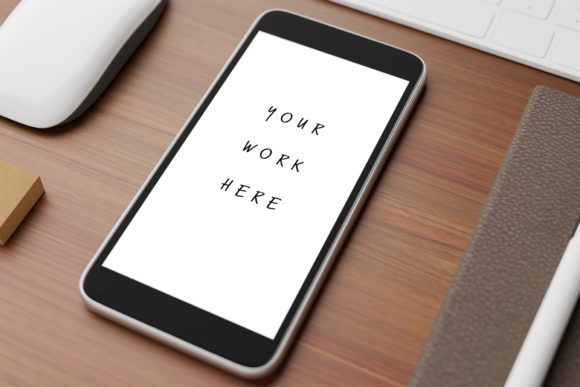
Mobile Phone Mockup on Wooden Table 7
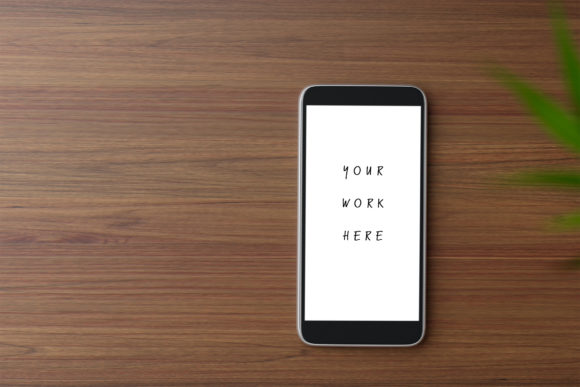
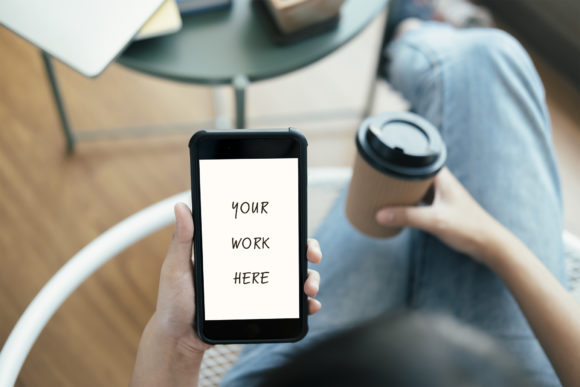
Picture this: you have just finalized a stunning mobile app interface, a vibrant social media ad, or a sleek brand presentation, and now you need to present it in a way that feels both authentic and aspirational. That moment of transition from raw design to polished presentation is precisely where a high-quality mockup becomes indispensable, and the Mobile Phone Mockup on Wooden Table 7 delivers exactly that. This asset lets you place your interface onto a smartphone screen using a simple smart object, transforming a flat digital file into a compelling lifestyle visual that your audience can immediately connect with.
In the world of graphic design, context is everything. A design does not exist in a vacuum; it lives on screens, in hands, and within environments that shape how people perceive it. By using a mockup that places your work on a warm, natural surface like a wooden table, you instantly add texture, depth, and a sense of realism that a plain screenshot simply cannot achieve. This particular mockup file, provided in both PSD format with a high-resolution 300 dpi smart object and a full-size JPEG with a white screen, gives you flexibility and speed. Whether you are a brand identity specialist, a UI/UX designer, or a digital marketing strategist, this resource streamlines your workflow while elevating your final output.
Why This Mockup Matters for Modern Visual Design
Professional presentation is not an afterthought; it is a core component of effective visual communication. When you showcase a logo, an app interface, or a social media graphic within a natural setting, you signal to clients and stakeholders that your work is ready for the real world. The wooden table backdrop offers a neutral yet inviting foundation—neither too sterile nor too distracting—making it ideal for a wide range of projects. From logo design presentations to packaging design concepts, the subtle grain of the wood adds a layer of authenticity that aligns with modern aesthetics and design trends favoring organic, tactile elements.
Practical Applications Across Creative Projects
The versatility of this mockup means it fits seamlessly into numerous scenarios. Here are some of the most effective ways to put it to work:
- Branding and Logo Design: Present your brand mark on a smartphone screen to show how it looks in a mobile context. This is especially valuable for clients who need to see their brand identity applied consistently across devices.
- Marketing and Advertising Materials: Use the mockup for ad campaigns, landing page previews, or email newsletter headers. The natural lighting and wood texture create a warm, approachable feel that resonates with audiences.
- Social Media Content: Whether you are posting a teaser of a new app or showcasing a client testimonial, a lifestyle mockup stands out in crowded feeds. It adds visual hierarchy and draws the eye directly to the screen.
- Web and UI Design: Demonstrate responsive layouts or app interfaces in a realistic setting. This helps clients and stakeholders understand the user experience beyond the wireframe stage.
- Editorial and Print Design: Even if your primary output is print, showing a digital component within a printed portfolio—or vice versa—creates a cohesive narrative about your capabilities.
- Packaging Design: For brands that include digital components like QR codes or augmented reality triggers, placing the phone on a wooden surface alongside physical packaging ties the digital and physical worlds together.
Key Considerations for Using Mockups Effectively
To get the most out of this asset, pay attention to a few core principles that separate a polished presentation from a sloppy one. First, consistency matters: ensure the color palette of your interface harmonizes with the warm tones of the wood. If your brand uses cool blues and grays, consider subtly adjusting the background warmth in post-processing to maintain balance. Second, think about visual hierarchy—the mockup is a frame, but your interface is the star. Keep the focus on the screen by avoiding overly complex overlays or heavy shadows that compete with your content.
Scalability and readability are also crucial. Since the mockup supports high resolution at 300 dpi, your interface will remain crisp even when viewed on large monitors or printed in portfolios. Use the smart object layer to drop in your design quickly, and take advantage of the included JPEG format for scenarios where you need a ready-made presentation without editing software. This dual-format approach saves time while giving you control over the final look.
Audience Expectations and Design Goals
Different audiences have different expectations. A professional presentation for a corporate client might call for a cleaner, more minimal approach, while a creative agency pitch might benefit from the rustic charm of the wooden table. Always align your mockup choice with your design goals and the message you want to convey. For instance, if you are presenting a wellness app, the natural wood texture reinforces themes of calm, health, and groundedness—a subtle but powerful design inspiration that supports your narrative.
When selecting any creative asset, consider how it fits into your existing design workflow. Does it match the modern aesthetics of your brand? Does it offer enough flexibility for different typography treatments and interface styles? The best mockups are those that fade into the background enough to let your work shine, while still adding a layer of professional polish. This mockup achieves that balance by providing a neutral yet character-rich environment that enhances without overpowering.
Elevating Your Creative Work with Thoughtful Presentation
Ultimately, the way you present your design is a reflection of your own brand identity as a creative professional. Investing in high-quality mockups like this one signals to clients that you care about every detail—from the pixel-perfect interface on the screen to the environment surrounding it. Whether you are preparing materials for a digital marketing campaign, updating your online portfolio, or creating visual assets for a new business venture, taking the time to present your work in a realistic context pays dividends in credibility and engagement.
The wooden table surface is more than just a backdrop; it is a storytelling device. It grounds your work in a tangible, relatable setting that invites viewers to imagine themselves using your product or service. By combining solid typography choices, a cohesive color palette, and a well-composed mockup, you create a complete visual experience that communicates professionalism, creativity, and attention to detail. In a field where first impressions matter immensely, assets like the Mobile Phone Mockup on Wooden Table 7 give you the edge you need to make your designs memorable and your presentations truly compelling.