Interior Mockup Digital Download: A Strategic Asset for Visual Branding
For anyone selling artwork, prints, or photography, the gap between a digital file and a buyer’s vision is often the biggest obstacle to a sale. An interior mockup digital download bridges that gap by placing your work into a believable, styled room setting. This is not just a presentation tool—it is a strategic decision that affects how customers perceive your brand, how quickly they decide to purchase, and how consistently you communicate the value of your creations. Used thoughtfully, these mockups become part of your workflow, your marketing, and your long-term positioning.
What an Interior Mockup Digital Download Actually Provides
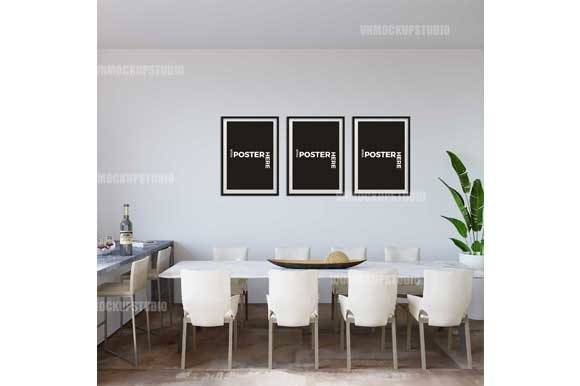
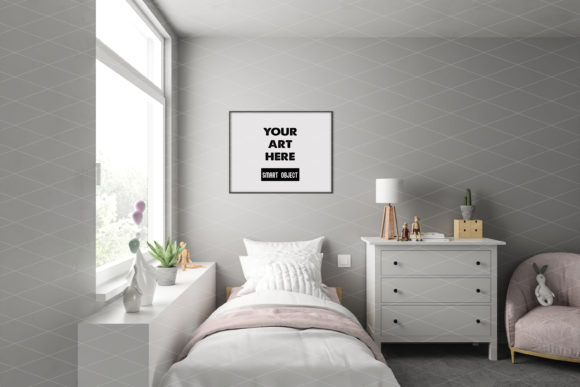
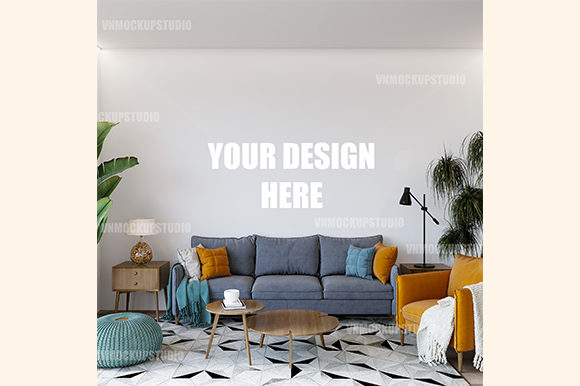
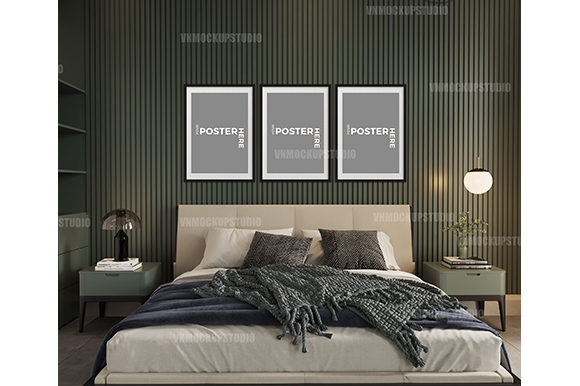
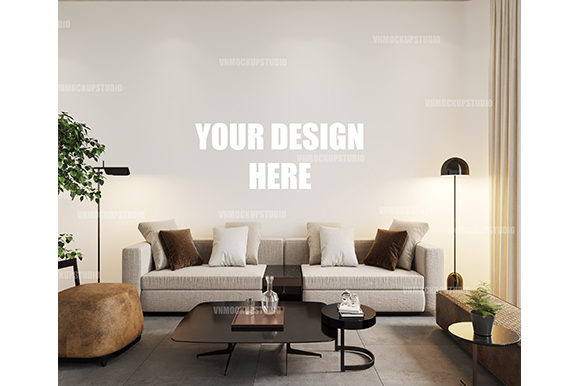
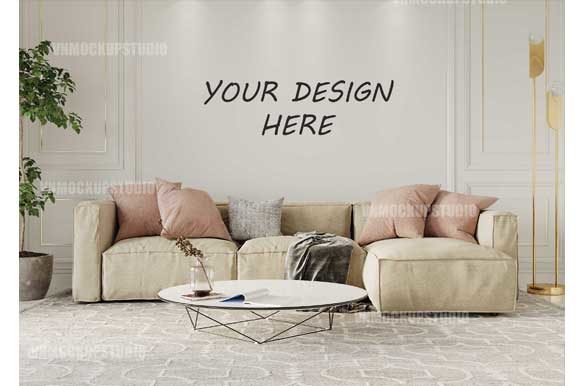
An interior mockup digital download is a high-resolution file—typically a layered PSD and a flattened JPG—that lets you insert your own artwork into a pre-rendered room scene. The frame is already angled, shadowed, and lit to look realistic. You use a smart object layer to place your design, and the mockup handles the rest: perspective, reflections, depth. The result is an image that shows exactly how a print would appear in a living room, hallway, or study, without the need for a physical photoshoot.
Products described as “interior mockup digital download” emphasize convenience and realism. The file comes at 2750×1833 pixels, 300 dpi, and includes no placeholder text or watermarks. You receive the digital assets instantly after purchase and can use them repeatedly for your online shop, blog, portfolio, or social media. There is no physical product—only the ability to simulate placement with professional fidelity.
Strategic Value: Why Thoughtful Use Supports Your Goals
When you sell tangible creative work online, you are competing for attention in an environment where buyers cannot see, touch, or examine the product in person. An interior mockup digital download reduces that uncertainty. It helps potential customers picture the item in their own space, which directly supports conversion and reduces returns or second-guessing. From a strategic standpoint, this is a form of risk reduction for the buyer—and risk reduction is a driver of purchase decisions.
Beyond the immediate sale, mockups serve your branding and positioning. A consistent set of interior scenes can become a visual signature for your brand. If every print you sell is shown in a cohesive aesthetic—perhaps warm, mid-century interiors or bright, minimal spaces—you build a recognizable style that signals professionalism and care. That consistency communicates that you are not just an artist but a business owner who understands presentation.
For entrepreneurs and small business owners, time is often the scarcest resource. An interior mockup digital download eliminates the need to stage, photograph, edit, and retouch a room shot for every new product. Instead, you invest once in a quality scene and reuse it across multiple items. This operational efficiency frees you to focus on creating, marketing, and serving customers. It also allows you to launch new products faster, because you can generate a realistic product image in minutes rather than hours or days.
Positioning and Credibility in a Competitive Market
A well-made mockup signals that you invest in how your work is seen. It tells buyers that you take your business seriously enough to present your art in a considered environment. This matters especially for artists and photographers who sell prints in the mid-to-premium price range. When a customer sees a product placed in a styled, lived-in room, they unconsciously compare it to how they would display it themselves. That mental simulation increases perceived value and can justify a higher price point.
Bloggers, publishers, and content creators also benefit. If you write about interior design, art, or lifestyle topics, using interior mockups in your posts allows you to illustrate concepts without needing to own every piece of art you mention. You can show your readers exactly what a certain style looks like on a wall, making your advice more actionable and credible. For educators and professionals creating course materials or presentations, mockups make abstract ideas—like “hang a gallery wall at eye level”—concrete and visual.
When and How to Approach Interior Mockups Intentionally
Strategic use of an interior mockup digital download requires thinking about context, audience, and repetition. Not every scene fits every product, and not every mockup strengthens your brand. The key is to choose scenes that align with your target customer’s actual living environment. If your art tends toward bold, contemporary abstracts, a rustic farmhouse setting may contradict the aesthetic you want to project. Conversely, if you sell minimalist photography, a cluttered room undermines the clean look you are trying to convey.
Consider the following planning questions before selecting a mockup:
- Who is your ideal buyer? Choose room styles that match their likely home decor, age group, and lifestyle. A young, urban professional probably has different interiors than a suburban family or a retiree.
- What mood do you want the mockup to create? Lighting, wall color, furniture style, and even the time of day suggested by the shadows all influence emotion. A bright sunlit room feels optimistic; a dim, warm space feels cozy.
- How will you use the mockup repeatedly? If you plan to feature a scene on your website header, product pages, social media, and blog, test it across those formats. Make sure it looks good both as a large hero image and as a thumbnail.
- Does the mockup support accessibility? Ensure that any text overlay or product description remains legible and that the mockup does not distract from the artwork itself. The frame should be prominent, but the room should not compete with what you are selling.
Once you select a mockup, use the smart object layer to insert your design. Because the file comes with pre-adjusted shadows and angles, you can achieve a realistic look without advanced Photoshop skills. But take the time to adjust brightness, contrast, or saturation of your inserted artwork so it feels integrated into the scene—for example, matching the white balance of the mockup’s lighting. Small tweaks make a large difference in believability.
Practical Examples Across Different Use Cases
An online shop owner selling fine art prints can use a single interior mockup digital download for every product in a collection. By placing each print in the same elegant living room setting, the collection feels cohesive, and customers can easily compare prints. The shop owner can also create a web banner using the mockup to showcase a “best seller” print, reinforcing the visual identity. The same mockup can be reused for promotional emails, Etsy listings, and Instagram posts.
A freelance photographer who sells digital downloads of landscape images can show those images framed on a wall in a studio apartment. This helps clients see the scale and impact of a large print. Without the mockup, the client might imagine a small screen-sized image; with it, they understand the effect of a 24×36 inch print. The photographer can even use multiple mockups—one for a home office, one for a living room—to demonstrate versatility.
Bloggers writing about “how to choose the right frame for your art” can embed interior mockups showing different frame colors on the same print. By using the same room scene, they isolate the variable (frame color) and make the comparison intuitive. This approach provides real decision-making value to readers and increases time spent on the page.
Educators teaching interior design or visual merchandising can use mockups to illustrate principles like “scale and proportion” or “color harmony.” Instead of describing how a artwork relates to a sofa, they can show it. The mockup becomes a teaching tool that bridges theory and application.
What to Consider Before Relying on an Interior Mockup
While an interior mockup digital download is a powerful asset, it is not a substitute for all forms of presentation. Over-reliance on a single mockup can lead to visual monotony. If every product page shows the exact same room, customers may perceive your brand as formulaic or low-effort. The mockup should enhance your presentation, not replace variety. Rotate scenes seasonally or when introducing collections with different aesthetics.
Another consideration is resolution and display. At 2750×1833 pixels, the mockup works well on most screens and for print-quality images on blogs and shops. However, if you expand to trade show materials or large banners, you may need to check whether the file scales without degradation. Always test the mockup on the actual devices or media your audience uses.
There is also the question of authenticity. Some buyers have become skeptical of mockups that look too perfect or generic. A scene that is obviously staged may reduce trust, especially in markets where handmade or authentic presentation is valued. To counter this, choose mockups that feel plausible: subtle signs of habitation, realistic lighting imperfections, and natural-looking furnishings. The goal is realism, not fantasy. If your buyers are fellow creatives or interior enthusiasts, they may appreciate knowing that you used a mockup, but they will judge you on how well it integrates with your design.
Risks of Using Interior Mockups Without Clear Goals
Using an interior mockup digital download without a strategy can waste time and dilute your brand. For instance, if you use a dark, moody room for bright children’s artwork, the mismatch confuses viewers. Or if you use a scene with a distracting patterned wallpaper, buyers may focus on the room instead of your print. Without clear objectives—such as “increase click-through rate for these three prints” or “build a consistent aesthetic across my product catalog”—you are simply inserting images without a reason.
Another risk is over-reliance on the smart object feature. Dragging an image into the layer does not automatically make it look good. If you ignore color correction, you might end up with a print that looks washed out or overly saturated compared to the room. That discrepancy can cause returns when the printed product arrives looking different from the online mockup. Always calibrate your inserted artwork to match realistic print output expectations. Consider adding a gamma or exposure adjustment to your own file before placing it in the mockup.
Finally, be aware of licensing. While the purchased mockup is yours to use, some creators restrict how you can modify or redistribute the scene. Read the terms: you are typically allowed to use it in commercial projects like product listings, but you may not be allowed to resell the mockup itself or claim it as your own creation. Respecting these boundaries protects you legally and supports the creator ecosystem.
Decision-Making Guidance: Choosing and Using Intentionally
Before you purchase an interior mockup digital download, clarify your purpose. Write down one or two specific outcomes you want from using mockups: “I want to reduce the time I spend staging photos from 2 hours per product to 10 minutes” or “I want to increase conversion rate on my most expensive prints by 15%.” These goals will guide your selection and help you measure success.
When evaluating mockup files, look for:
- High resolution and a clean smart object layer – easy replacement without complex masking.
- Natural shadow and lighting – realistic integration without heavy editing.
- A neutral or complementary base scene – versatile enough to fit multiple art styles.
- Alignment with your brand’s tone – modern, vintage, bright, dark, formal, casual.
Once you have your scene, establish a workflow. Keep your mockup file in a dedicated folder along with a template of your artwork at the correct size and resolution. Create a checklist: (1) replace smart object, (2) adjust levels, (3) check color harmony, (4) export for web. Repeat this for every product, and track which mockups perform best. Over time, you will learn which scenes resonate with your audience and why.
Remember that an interior mockup digital download is a tool, not a crutch. Pair it with high-quality product photos of the actual printed item in a real environment when possible. The combination of simulated room shots and authentic photographs gives customers both an aspirational vision and a realistic expectation. Your mockup shows the dream; your real photo shows the deliverable. That balance builds trust and sales.
Long-Term Value and Integration with Your Operations
Over the long run, a well-chosen interior mockup digital download becomes part of your brand’s visual library. It reduces creative friction when launching new products, ensures consistent aesthetics across channels, and helps new customers immediately understand what you offer. For small business owners and freelancers, this consistency translates into a professional image that competes with larger studios and galleries.
Educational and training applications also benefit. If you teach others how to market art, demonstrate the use of mockups to show the impact of presentation. The mockup becomes a teaching example for topics like color psychology, photographic composition, and e-commerce optimization. Its value extends beyond a single use into an instructive asset.
Ultimately, an interior mockup is an investment in perception. The more intentional you are about its use—choosing the right scene, adapting your artwork thoughtfully, measuring results—the stronger the return. Whether you are an artist selling prints, a blogger illustrating ideas, or a professional building a cohesive visual identity, the mockup helps you communicate faster and more convincingly. That is the strategic advantage of a simple download.