Living Room & Blank Wall Mockups for Art Displays
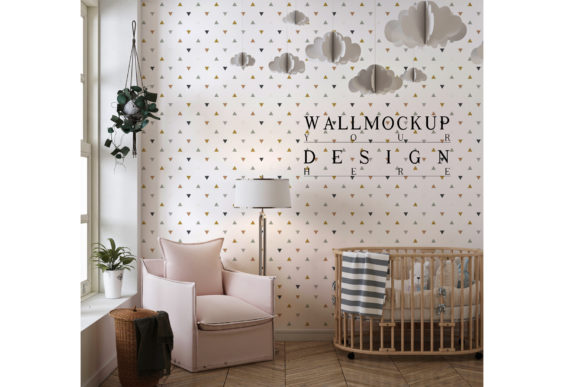
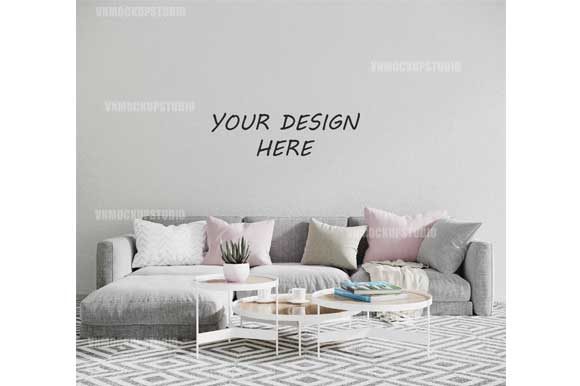
When you create art, prints, or photographs, the final piece is only half the story. The other half is how it looks in a real space. A living room mockup or blank wall mockup bridges that gap. It lets you place your work into a realistic interior scene so viewers can imagine it hanging in their own home. Instead of showing a flat digital file against a plain background, you present your art the way it would actually be seen: framed, lit, and surrounded by furniture, textures, and everyday life.
For anyone selling or showcasing visual work, this simple shift can change how people respond to what you do. It turns an abstract image into something tangible. It helps buyers feel confident about how your piece will fit into their space. And it gives you a professional presentation without needing to photograph every single piece in an actual room.
What a Living Room Mockup or Blank Wall Mockup Actually Offers
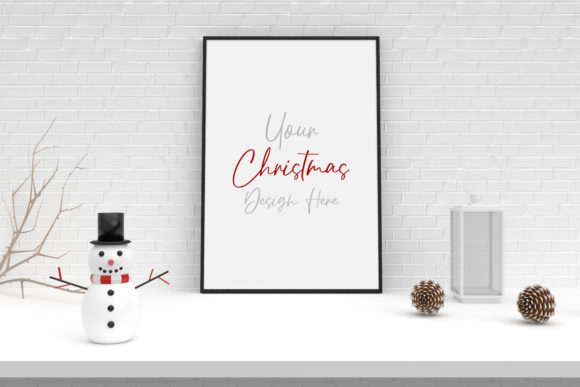
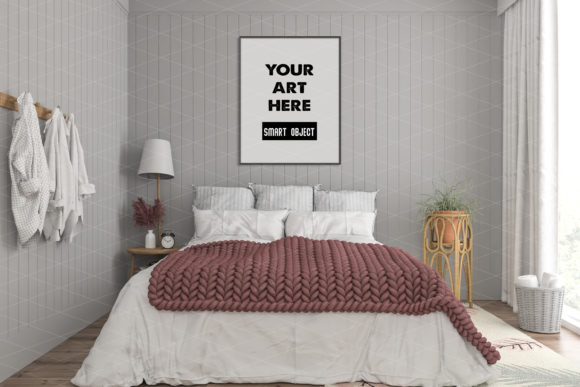
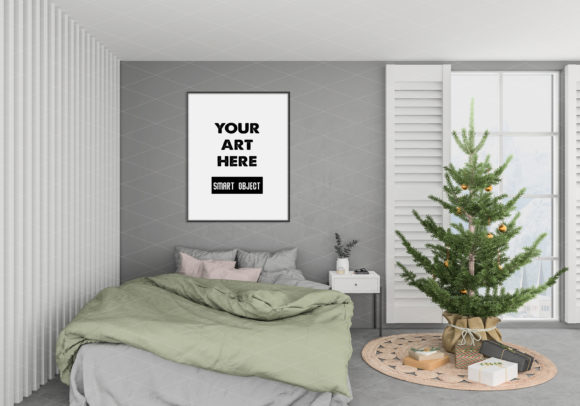
These mockups are digital files—typically layered PSDs and high-resolution JPGs—that show a room interior with a blank frame or empty wall area. You drop your artwork into the smart object layer, and the file automatically adjusts the perspective, shadows, and lighting to match the scene. The result looks like the art was always there. The frame is angled realistically, shadows fall naturally, and nothing about the image screams “this was added later.”
The files in this product come at 3000×2703 pixels with 300 dpi resolution. That means you get sharp, print-quality output suitable for websites, online shops, social media, portfolios, or printed lookbooks. There are no watermarks, no placeholder text saying “Your Design Here,” and no extra branding to remove. You receive exactly what you see in the preview, ready to use.
Why Different People Care About These Mockups
The value of a good mockup shifts depending on who you are and what you need to accomplish. A beginner might appreciate how fast and foolproof the smart object system is. An experienced seller might focus on the realism and the absence of awkward lighting artifacts. A business owner might care about consistency across product listings. An educator might want a clean way to show students how presentation changes perception. Each perspective is valid, and the same mockup can serve very different purposes.
For Beginners and Hobbyists
If you are just starting to sell your art or share your work online, you might not have the budget or skills to stage professional room photos. You also might not own a high-end camera or know how to edit shadows and reflections. A living room mockup removes those barriers. You download the file, open it in Photoshop or a compatible editor, place your design into the smart object, and save. That is the entire workflow.
There is no learning curve for lighting, no need to understand blending modes or mask layers. The mockup handles all of that. This lets you focus on your actual work while still presenting it in a way that looks polished and credible. For a beginner, the biggest win is speed. You can go from finished artwork to a presentable product image in minutes.
For Professionals and Creators
Experienced artists, photographers, and designers often need more control. You might be creating a cohesive collection of product images for an online shop, a portfolio, or a client pitch. You need the mockup to look indistinguishable from a real photograph. The angle of the frame, the way the light hits the glass, the softness of the shadows—all of those details matter.
In this case, a high-resolution mockup with proper perspective mapping and natural shadowing becomes a reliable tool. You can use it repeatedly across different pieces, and the consistent room setting gives your shop or portfolio a unified look. Professionals also appreciate the file quality. At 300 dpi, you can zoom in, crop, or print without losing sharpness. That matters if you ever need to produce marketing materials beyond digital screens.
For Entrepreneurs and Small Business Owners
If you run a small print shop, an online gallery, or a custom framing business, your product images directly influence buying decisions. A customer scrolling through listings will pause longer on an image that shows your print hanging above a sofa or beside a lamp than on a flat, isolated file. The context helps them visualize ownership.
Business owners also benefit from the efficiency. You can batch-create product photos for dozens of designs in a single session. Open the mockup, swap the artwork in the smart object, export, and repeat. No need to schedule photo shoots, rent a space, or wait for good lighting conditions. This reduces your production time and your costs. The mockup becomes a repeatable asset that pays for itself after just a few uses.
For Educators and Hobbyist Groups
Teachers running art or design courses can use mockups to demonstrate presentation techniques. Instead of lecturing about the importance of context, you can show students the same piece of art in a flat file versus inside a room scene. The difference is immediate and obvious. It becomes a teaching tool about perception, professionalism, and customer psychology.
Hobbyist groups such as photography clubs or printmaking collectives can also use mockups to prepare for exhibitions or online sales without investing in expensive equipment. It democratizes access to professional-looking presentation.
Different Priorities: What Matters Most Depends on Your Goal
Not everyone evaluates a mockup the same way. Your own priorities will shape whether this product fits your needs.
Ease of use tends to be the top priority for beginners and anyone who does not use design software daily. A smart object system that requires just one click to replace the artwork is ideal. You do not need to adjust layer masks, distortion, or color matching. The file arrives ready to use.
Quality and realism matters more to professionals and sellers who need images that hold up under close inspection. Resolution, shadow detail, and accurate perspective are non-negotiable. A mockup that looks obviously fake can damage credibility rather than help it.
Cost is a factor for everyone, but it looks different depending on your situation. A hobbyist might compare the price to a single coffee order. A business owner might measure it against the cost of hiring a photographer or renting a studio. When viewed as a reusable tool, even a modest investment becomes economical after a few uses.
Flexibility matters if you work with many different sizes, orientations, or types of artwork. The mockup in this product is designed around a fixed frame and room setting, so you get a consistent look. If you need extreme variation in room styles or frame shapes, you might want multiple mockups. But for many creators, having one reliable living room scene that works for a wide range of pieces is more practical than juggling dozens of different files.
Speed benefits anyone who needs to produce images regularly. A workflow that takes under two minutes per design means you can upload new products quickly, keep your shop fresh, and respond to trends without delay.
Practical Examples for Different Readers
Consider a photographer who sells fine art prints. They could photograph each print in a different room, but that would require coordinating locations, furniture, and lighting for every piece. Instead, they use a blank wall mockup twice: once in a living room scene and once in a hallway scene. Every new print gets placed into both mockups, and the photographer has a consistent two-image set for every listing. Customers see the same environment across the entire shop, which builds trust and makes browsing feel cohesive.
Think about a digital illustrator who sells on print-on-demand platforms. They upload the same design across multiple product types. By including a living room mockup in their listing photos, they give potential buyers a reason to pause and imagine the print on their own wall. The mockup does not replace the product image, but it serves as a lifestyle shot that increases engagement.
Or imagine a small business owner who runs an Etsy shop for calligraphy prints. They have limited time between taking orders, creating new designs, and handling shipping. Spending hours on product photography is not realistic. A single mockup session once a month generates all the listing images needed. The owner just opens the file, drops in each new design, and exports. The entire batch takes less than an hour.
Is This Mockup Right for Your Goals and Skill Level
If you are comfortable with basic layer work in Photoshop or any editor that supports PSD files with smart objects, you can use this mockup immediately. If you have never used smart objects before, the process is straightforward: double-click the smart object layer, paste your design, save, and close. The main file updates automatically. That is the extent of the technical requirement.
If you prefer not to use layer-based editing at all, the included JPG file lets you overlay your artwork using other software, though you will lose the automatic perspective and shadow matching. The full experience comes from the PSD smart object workflow.
This mockup is best suited for anyone who wants a realistic, ready-made room scene without building one from scratch. It is not ideal if you need to change the furniture, wall color, or lighting in the scene itself. The room is fixed. What changes is the artwork inside the frame. If you need total control over the environment, you would need a different type of asset. But if you want a dependable, high-quality interior that makes your work look its best with minimal effort, this mockup delivers exactly that.
For creators who value their time and want their work to be seen in the best possible light—literally and figuratively—a living room mockup or blank wall mockup is a practical investment. It removes the friction between finishing a piece and sharing it with the world. And because the files are digital, there is no shipping, no inventory, and no waiting. You order, download, and start creating immediately.